
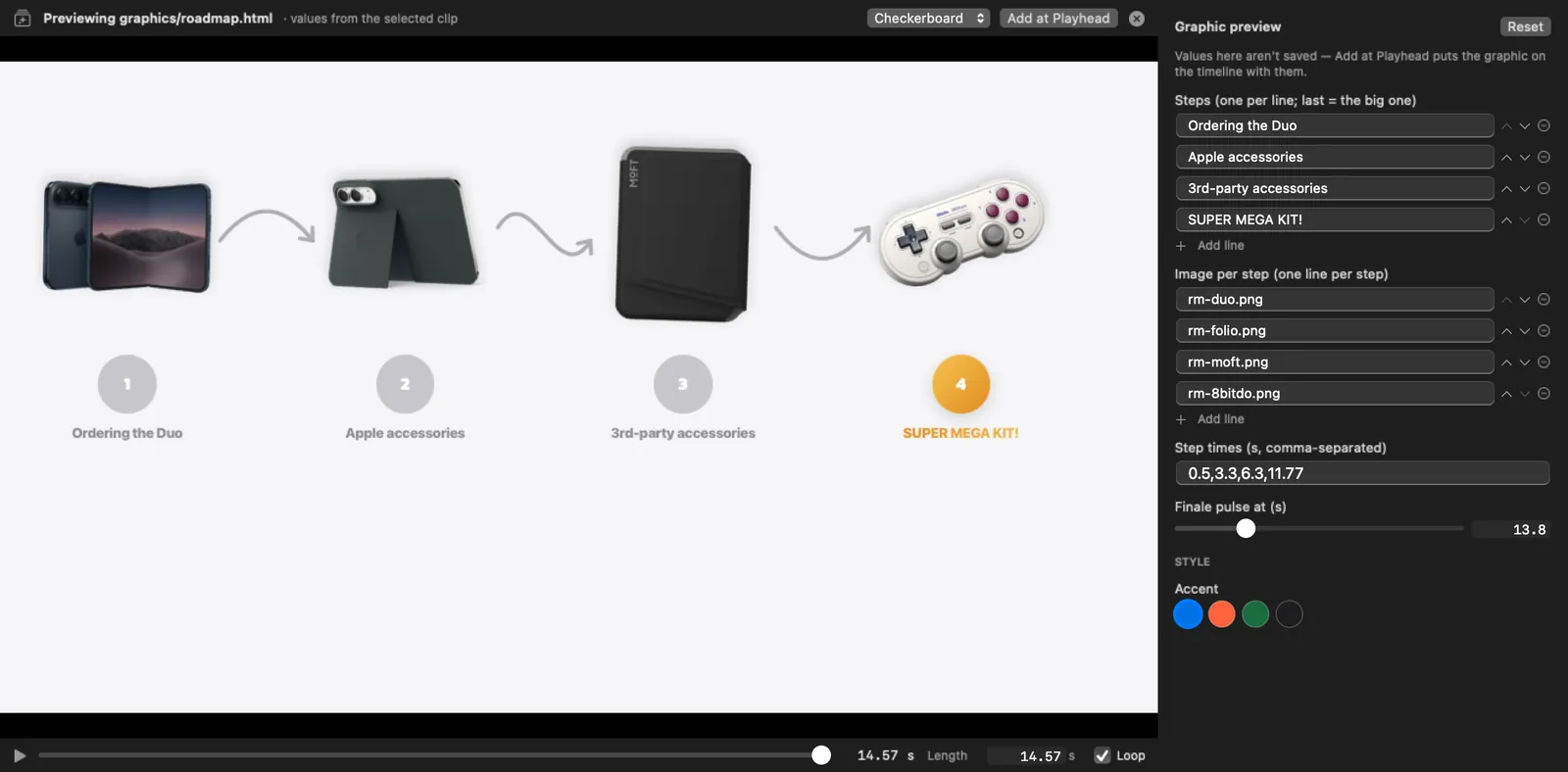
Motion graphics are web pages.
HTML, CSS and GSAP. Fields become controls. Cut-off text gets flagged.
 HTCUT
HTCUT
You set the vibe. Claude makes the edits.
On a real timeline, live, on your Mac.
Free · No account · No watermark · macOS 15 or later on Apple Silicon
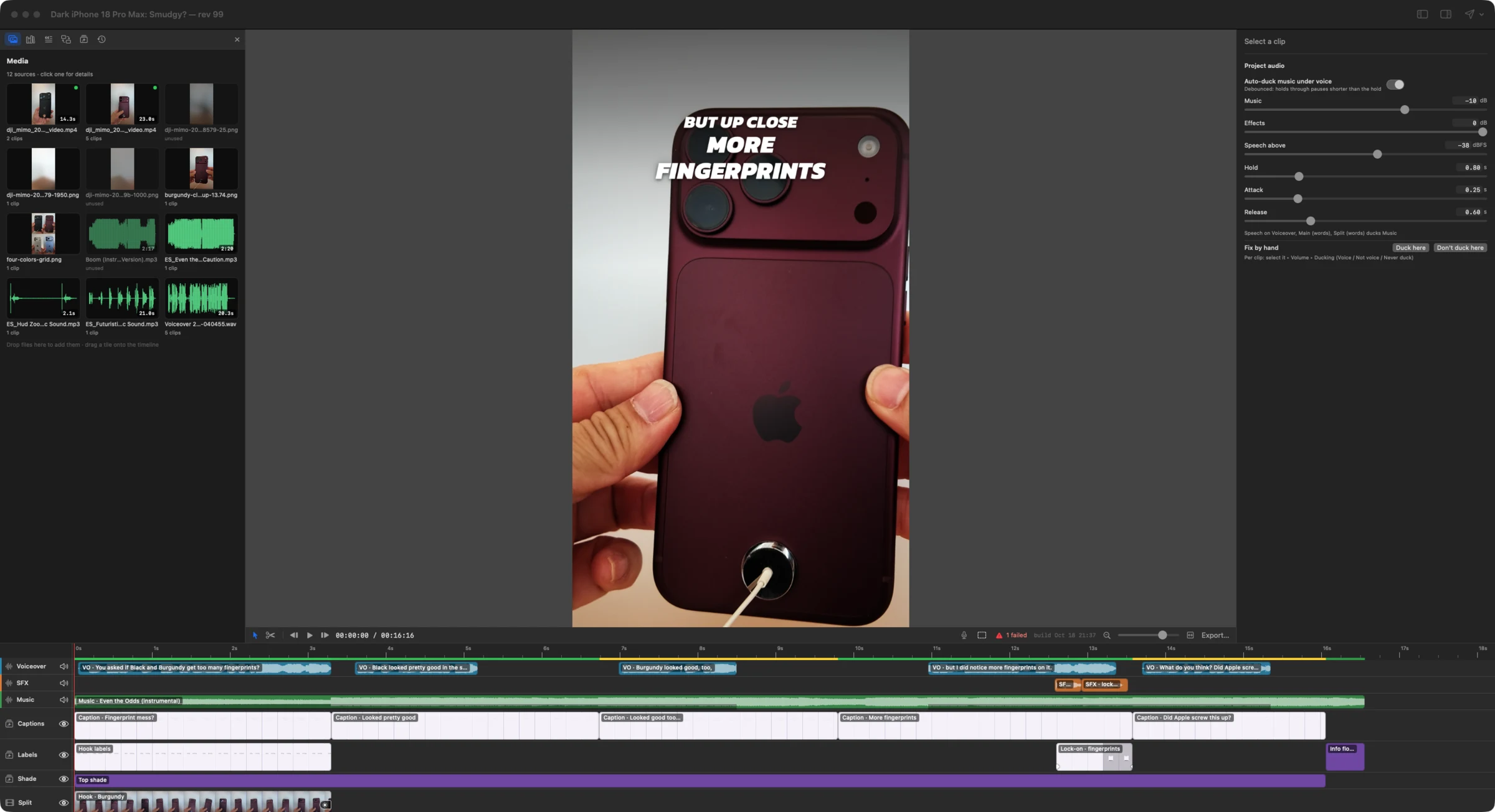
Type in Claude Code. Every edit appears in your open window as a step you can see, keep or undo.
“Tighter.” “Less dead air.” End with ;; and Claude sees your playhead.
With the same htcut commands you could type. Nothing hidden.
Keep scrubbing. Touch the same clip and Claude backs off and re-reads.
One history for both of you. ⌘Z or htcut undo.
Made with HTCUT
Three iPhone 18 Pro Max Shorts from Hanley Talks Tech, cut and finished in HTCUT with Claude Code. Tap one for sound.
See them on YouTubehtcut make color-ranking. 18 seconds.Built on a real video
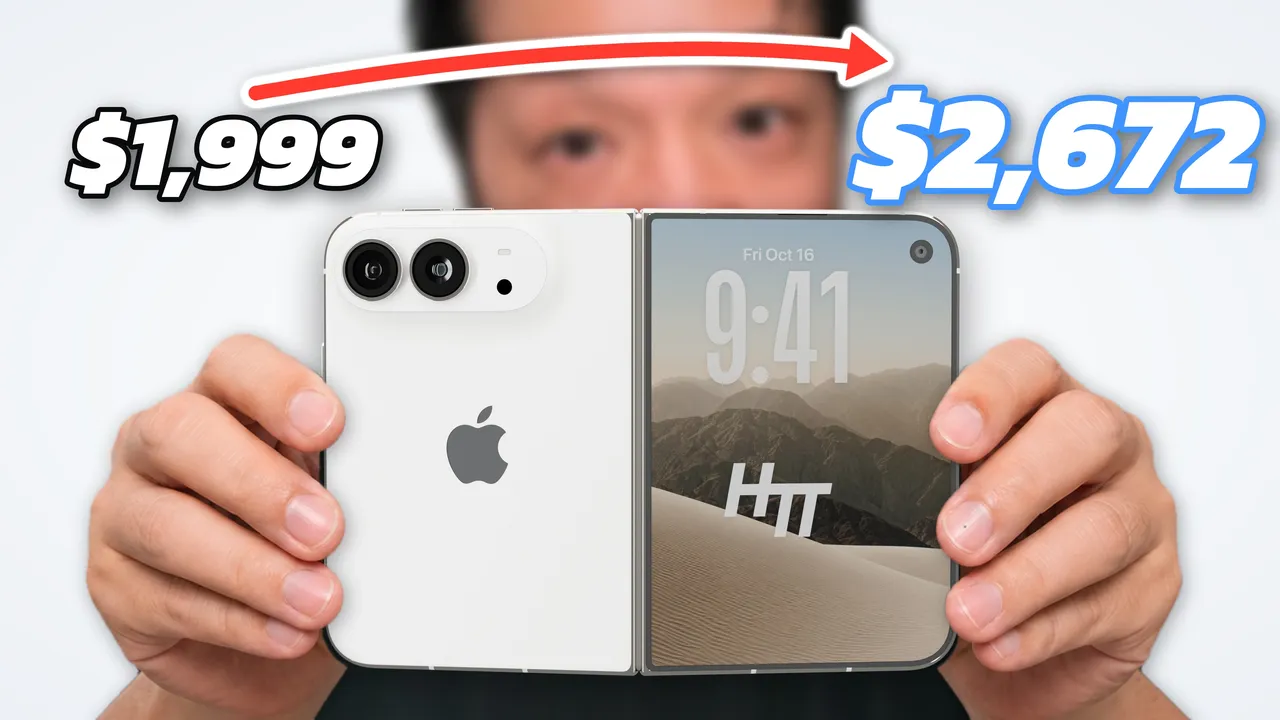
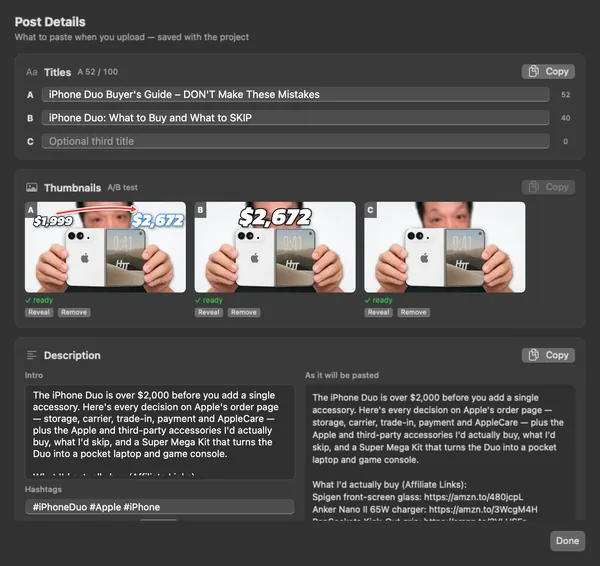
The iPhone Duo Buyer’s Guide was cut, checked and packaged in HTCUT. Claude did the heavy lifting. Hanley made the calls.
Cut, mix, grade and package by hand. Claude edits the same timeline through the same steps. Use it with Claude, or without.
HTML, CSS and GSAP. Fields become controls. Cut-off text gets flagged.
Delete words to cut them. Ums, pauses and retakes go in one review.
$ htcut transcript clean
  2 fillers · 2 pauses · 1 retake
$ htcut stumbles --fix
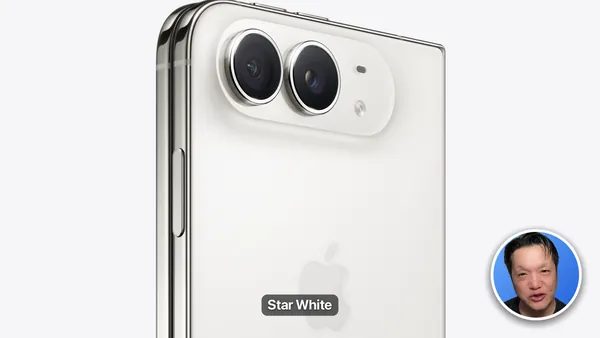
$ htcut captions --words 3Picture-in-picture frames, iPhone and MacBook mockups, graphics behind you.
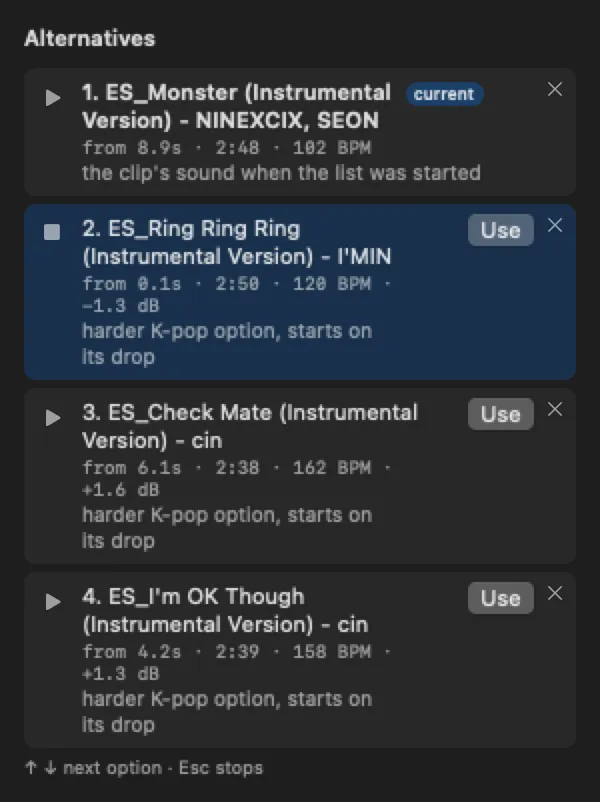
Voice isolation, mic matching, ducking. Claude suggests tracks. Your ear picks.
Clipped words, cut-off text, the Shorts buttons, silences, −14 LUFS.
$ htcut preflight
BLOCKERS
  • Speech cut off
WARNINGS
• Text under the Shorts buttonsChapters, description and three titles and thumbnails for Test & Compare.
Plain sentences in. Readable htcut commands out.
Cut the ums, long pauses and false starts. Show me the list first.
Transcribes on your Mac, finds fillers, pauses and retakes, and gives you a review list. Untick anything you want to keep.
htcut transcript clean --dry-runThis part drags. Tighten it;;
;; tells Claude where your playhead is. It trims across every row, and refuses to cut speech it can hear.
htcut ripple trim --clip … --dry-runAdd captions, three words at a time, highlight the word I’m saying.
Animated captions from your voice track, timed to forced-aligned words.
htcut captions --words 3Duck the music under my voice and make it hit YouTube loudness.
Music dips under speech. Every export is measured against −14 LUFS and a −1 dBTP peak, with the fix if it’s off.
htcut audio duck onMy pickup mic sounds different. Make it match the main take.
Measures both voices and EQs the pickup to match, then evens out the level.
htcut audio match --clip … --to …Find three Shorts in this video.
Scores 20–58 second stretches, cuts them to 9:16, follows your face and adds captions. Each Short is its own project.
htcut shorts --count 3Write the chapters and description.
Chapters from your timeline, checked against YouTube’s rules, plus your description footer and A/B/C titles.
htcut descriptionIs this ready to upload?
The pre-publish checklist: clipped words, cut-off text, text under the Shorts buttons, black gaps, silences, loudness.
htcut preflightFrom real projects. Swipe through.
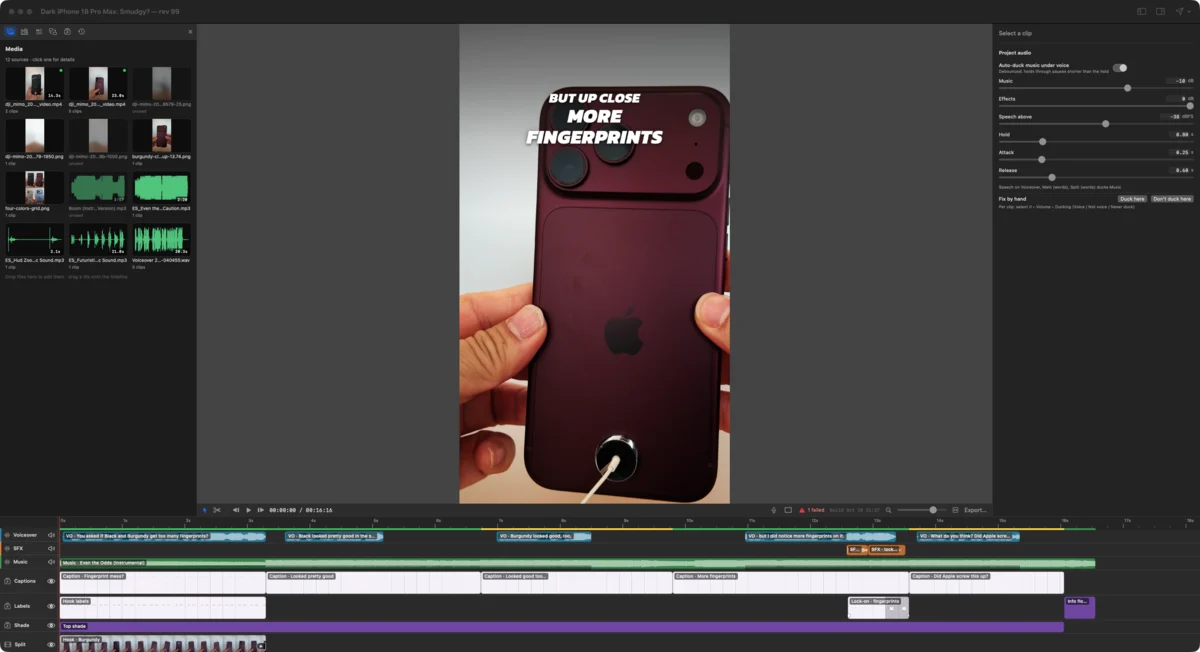
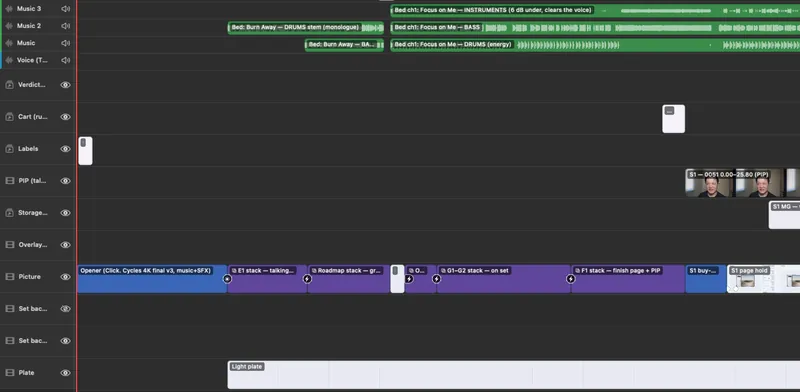
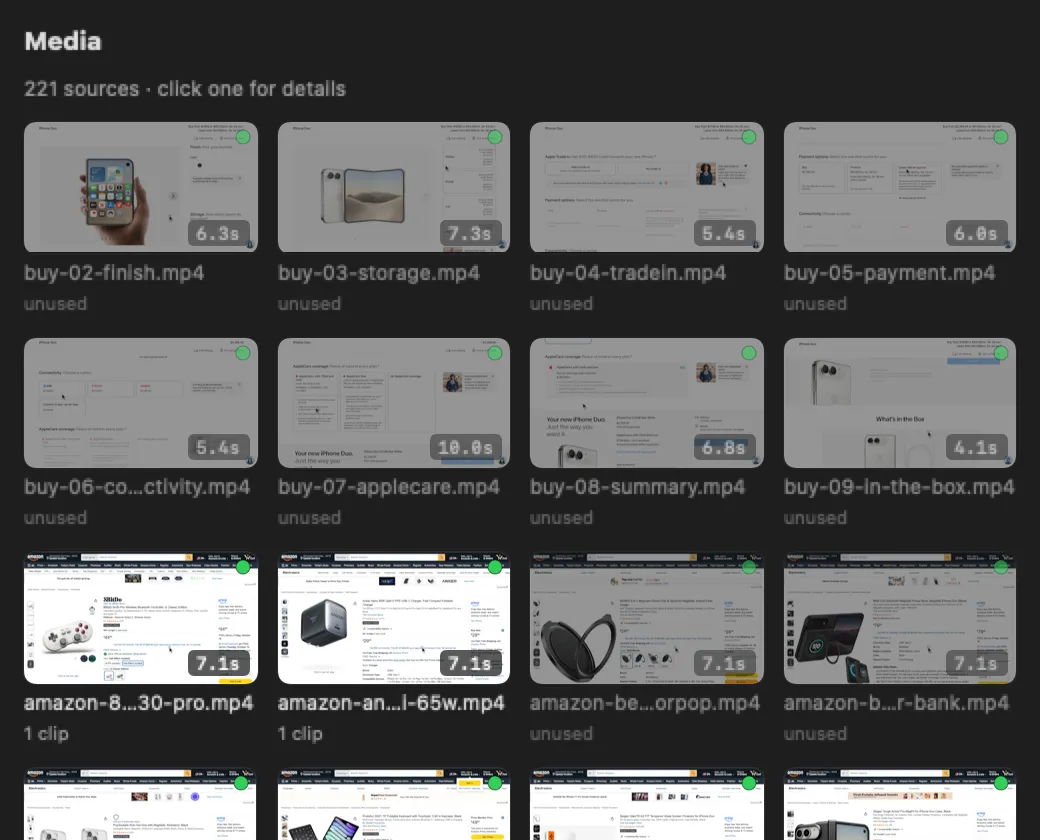
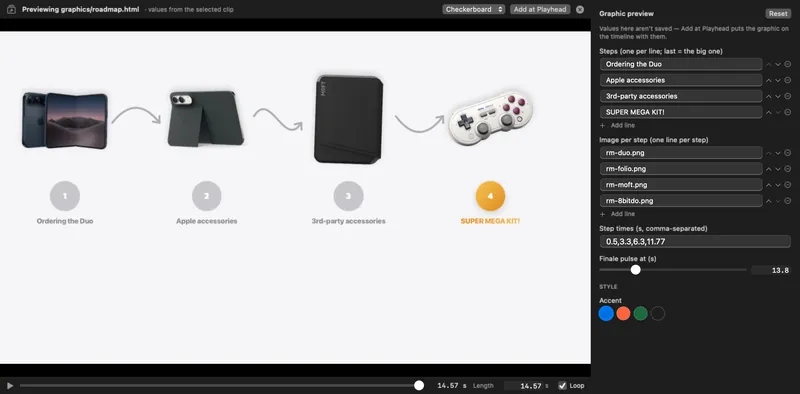
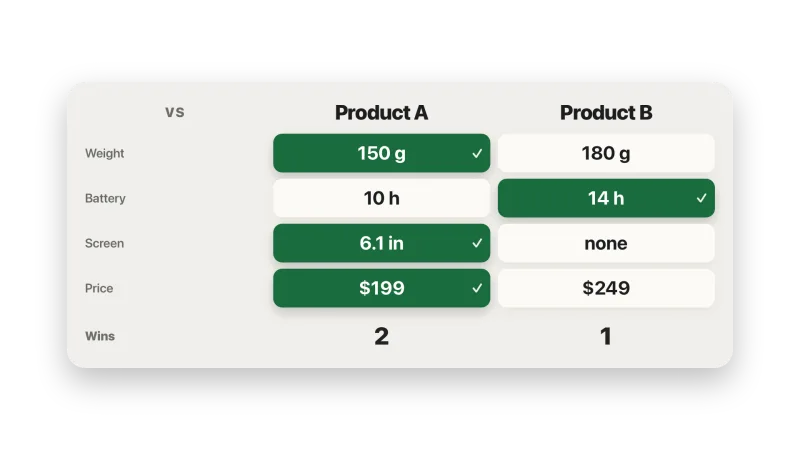
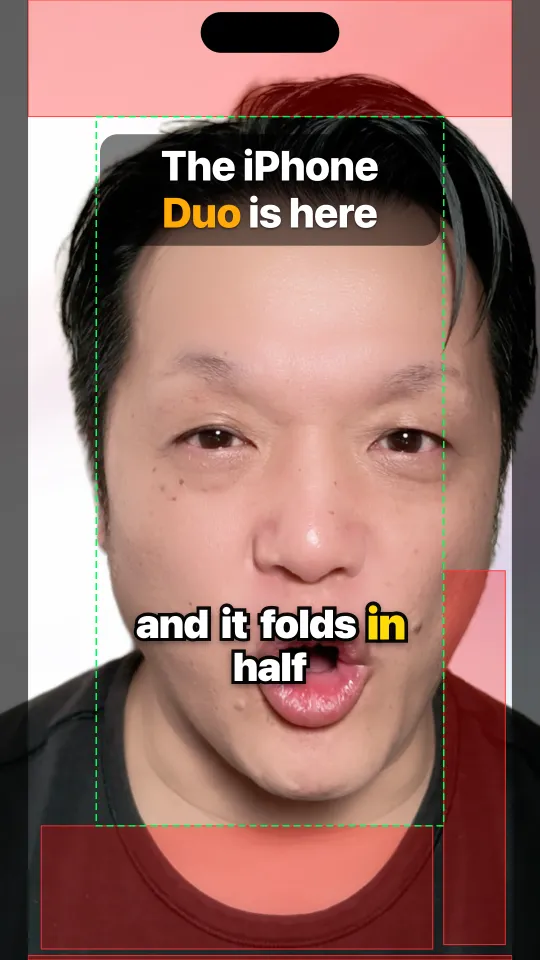
How it works
A project is a folder. Your trims and Claude’s commands are written to one log, so each of you sees the other’s edits as they happen. Rendering, transcripts, cut-outs and voice cleanup all run on your Mac.
Different tools for different jobs, as of October 2026.
| Question | HTCUT | AI-first editors Descript, CapCut, VEED, Kapwing | Pro editors Premiere Pro, DaVinci Resolve, Final Cut Pro |
|---|---|---|---|
| How the AI edits | Claude Code edits your open timeline, one named, undoable step at a time, while you keep working. | AI tools and agents built into the app, such as Descript’s Underlord. Many run per prompt and cost credits. | AI added to a pro timeline: Premiere’s AI Assistant (beta), an MCP server for AI assistants in Resolve 21.1, search, captions and masks in Final Cut. |
| Where your footage goes | Stays on your Mac. Transcripts, cut-outs, voice cleanup and renders run locally. | Mostly to their cloud: browser editors and cloud project drives. | Edited locally. Some AI features use the vendor’s cloud. |
| What it costs | Free. No credits, no watermark. Claude Code needs a Claude plan. | Free tiers with limits or watermarks. Paid plans meter AI in credits or minutes. | Premiere is a subscription. Resolve is free, Studio is a one-time purchase. Final Cut is a one-time purchase or part of Apple Creator Studio. |
| Runs on | Apple Silicon Macs, macOS 15 or later. | Browser, desktop and phone, depending on the app. | Premiere and Resolve on Mac and Windows. Final Cut on Mac. |
Based on each vendor’s public pages and coverage as of October 2026. Features and prices change; check before you buy.
Free. Signed and notarized by Apple.
Download for Mac Get started in 10 minutes →Open HTCUT once and choose HTCUT ▸ Set Up Claude Code… — or install the plugin:
/plugin marketplace add hanley-tech/htcut
/plugin install htcut@htcutYou describe what you want, in plain words, and an AI makes the edits. In HTCUT that AI is Claude Code, and it edits the same timeline you have open. You keep the taste and the final say. Claude does the tedious parts. Every edit is a step you can see and undo, so nothing is a black box.
It can’t quietly. Claude never touches project files; it can only use htcut commands, and each one is a named step in the same history as yours. Undo it with ⌘Z or htcut undo. If you changed the same clips since Claude last looked, its edit is refused and it re-reads your version. Ripple cuts refuse to remove speech they can hear. And you can ask for a dry run before anything changes.
No. You type plain sentences into Claude Code, a chat in your terminal. Claude runs the commands. You can read them if you’re curious, and ignore them if you’re not. Without Claude Code, HTCUT is a normal editor you drive with the mouse and keyboard.
Those are editors with AI features built in, and most of their AI runs in the cloud. HTCUT is a timeline editor that an outside agent, Claude Code, can drive step by step while you work. Your media stays on your Mac, there are no credits or watermarks, and every AI edit is an op in your history. The trade-off: HTCUT is Mac only, and the AI part needs Claude Code. See the comparison.
Yes. HTCUT is a free download. There is no account, subscription, credits or watermark. Claude Code is separate: it needs a Claude plan or an Anthropic API account.
No. The app is a complete editor on its own. Claude Code is what makes it vibe editing: it reads your timeline, makes the tedious edits and checks your cut, while you keep working in the window.
HTCUT is built and tested with Claude Code: the skill, the plugin, the project hooks and the ;; trick are Claude Code features. Underneath it’s the htcut command, so any agent that can run terminal commands can read and edit your project the same way. Point it at htcut help and the CLAUDE.md in your project folder.
Nowhere. Projects, media, transcripts and renders stay on your Mac. Transcription, cut-outs, voice isolation and retouching run on your Mac too. HTCUT has no analytics or telemetry. It only goes online to download an optional model the first time you use a feature that needs one. If you use Claude Code, it sees what its commands return, such as the timeline, transcripts and frames it renders to look at, and what you share with Claude is between you and Anthropic. Privacy details.
No. HTCUT is closed source. The download is signed and notarized by Apple.
No. HTCUT is built for Apple Silicon Macs only, and needs macOS 15 or later.
Yes. HTCUT imports CapCut desktop drafts: tracks, timing, volume, fades, position, scale, text and the glitch and flash transitions. Anything it can’t carry over is listed, not faked.
It’s early, and it’s been used to finish real videos. Expect rough edges and missing menus: a few features are commands only for now. Tell us what breaks.
On GitHub. Open an issue for bugs and feature requests, or ask in Discussions. In the app, Help ▸ Report a Bug… opens an issue with your HTCUT and macOS versions filled in. The guides cover most first questions.